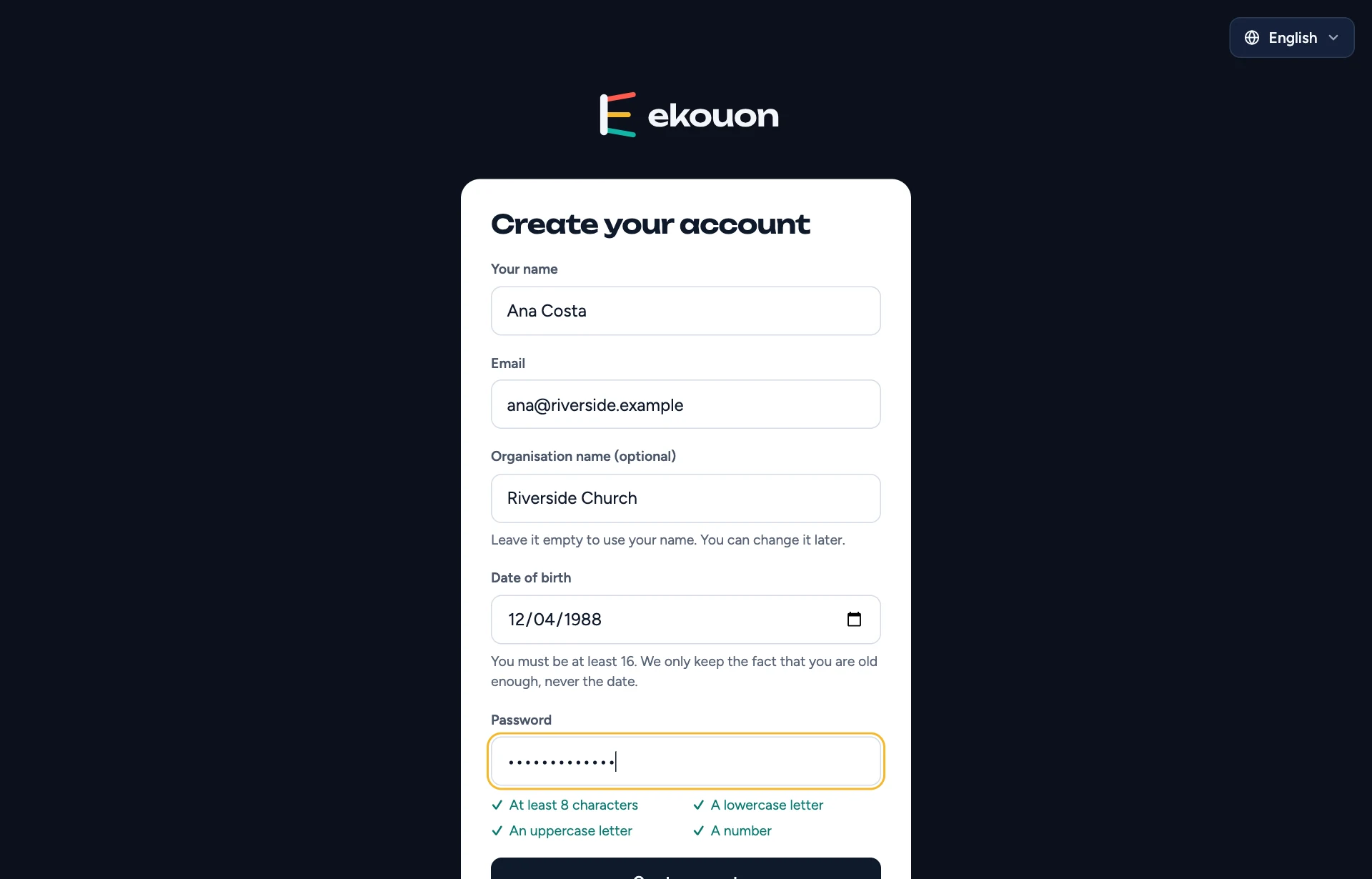
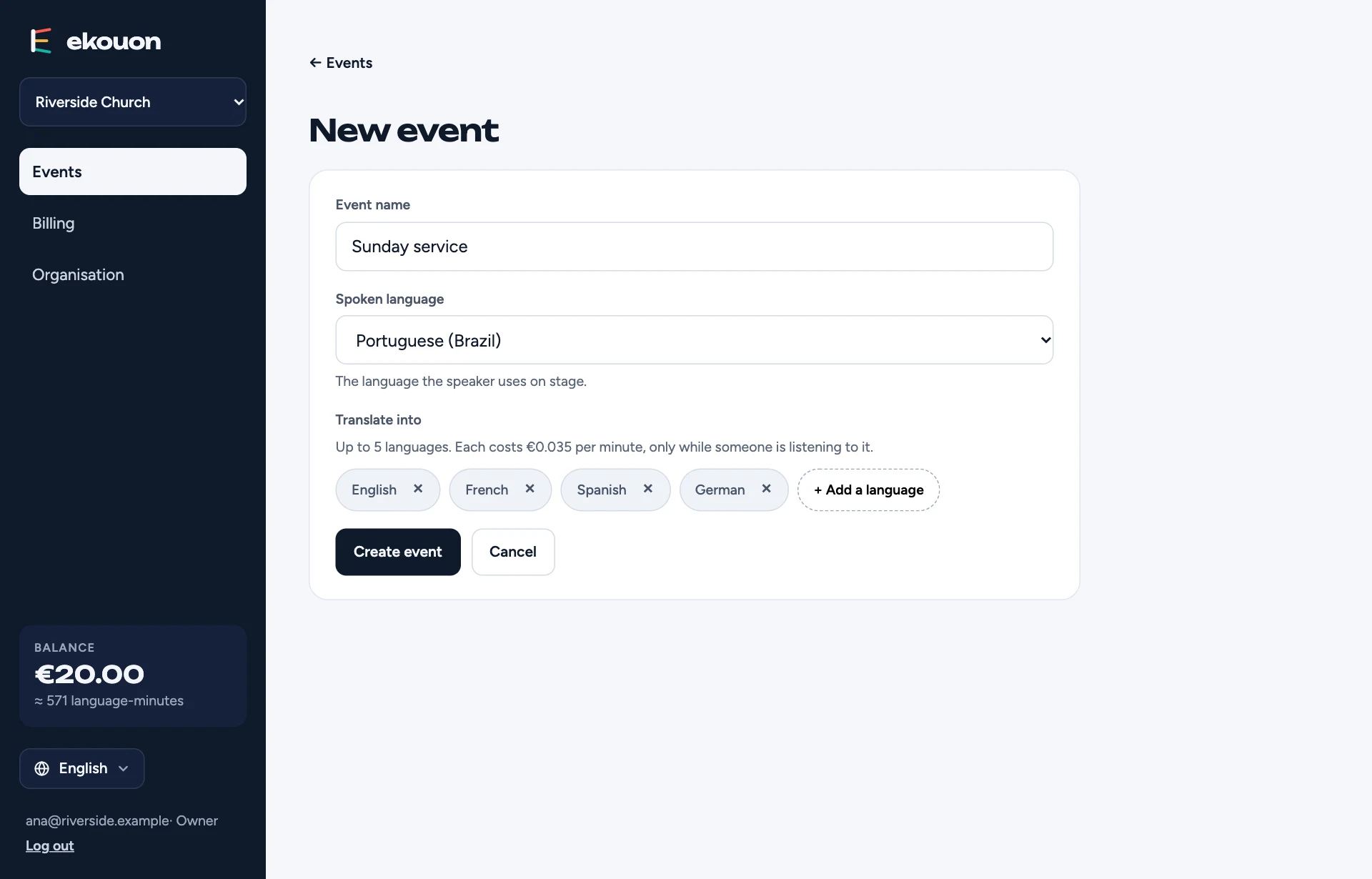
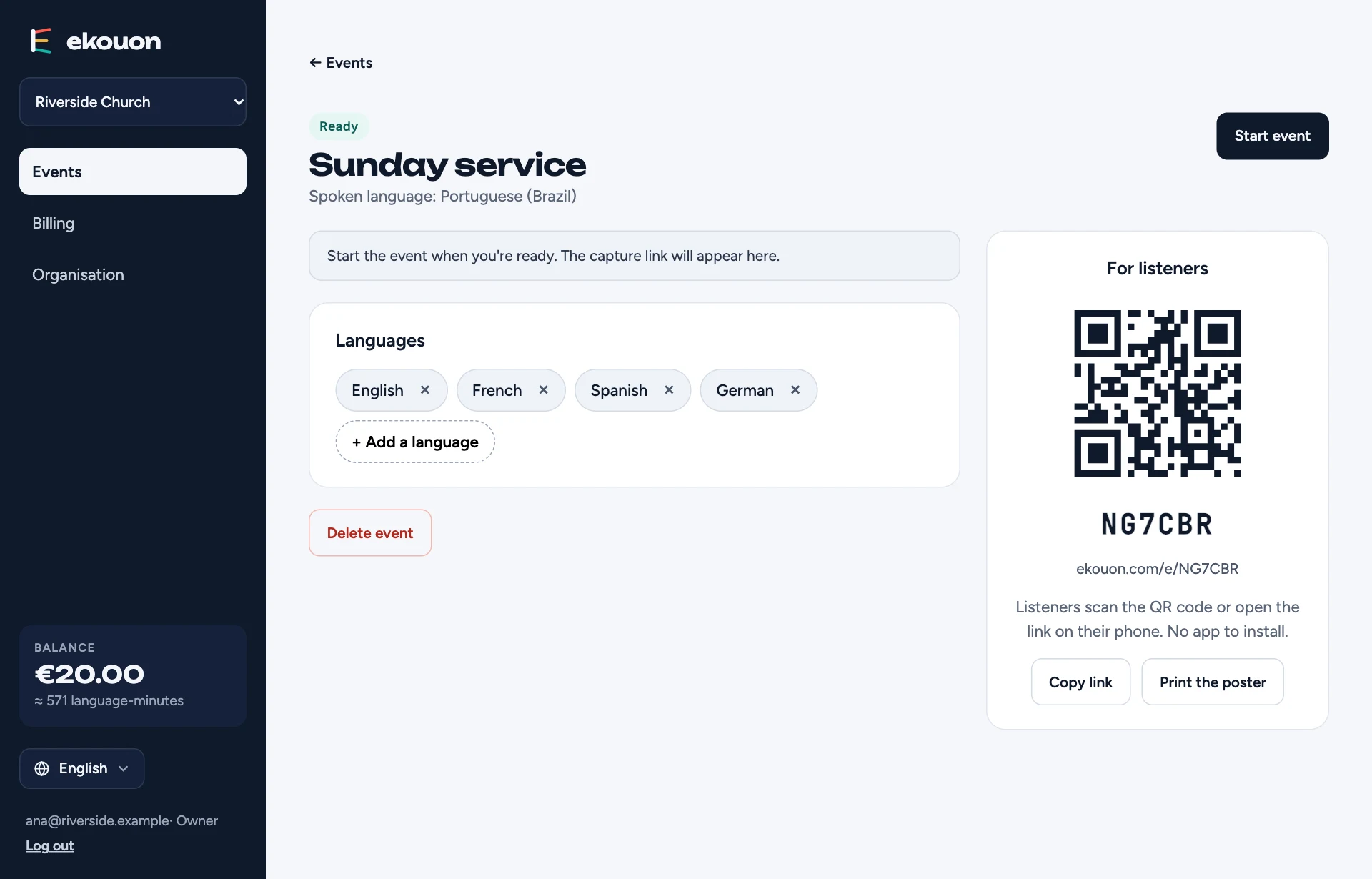
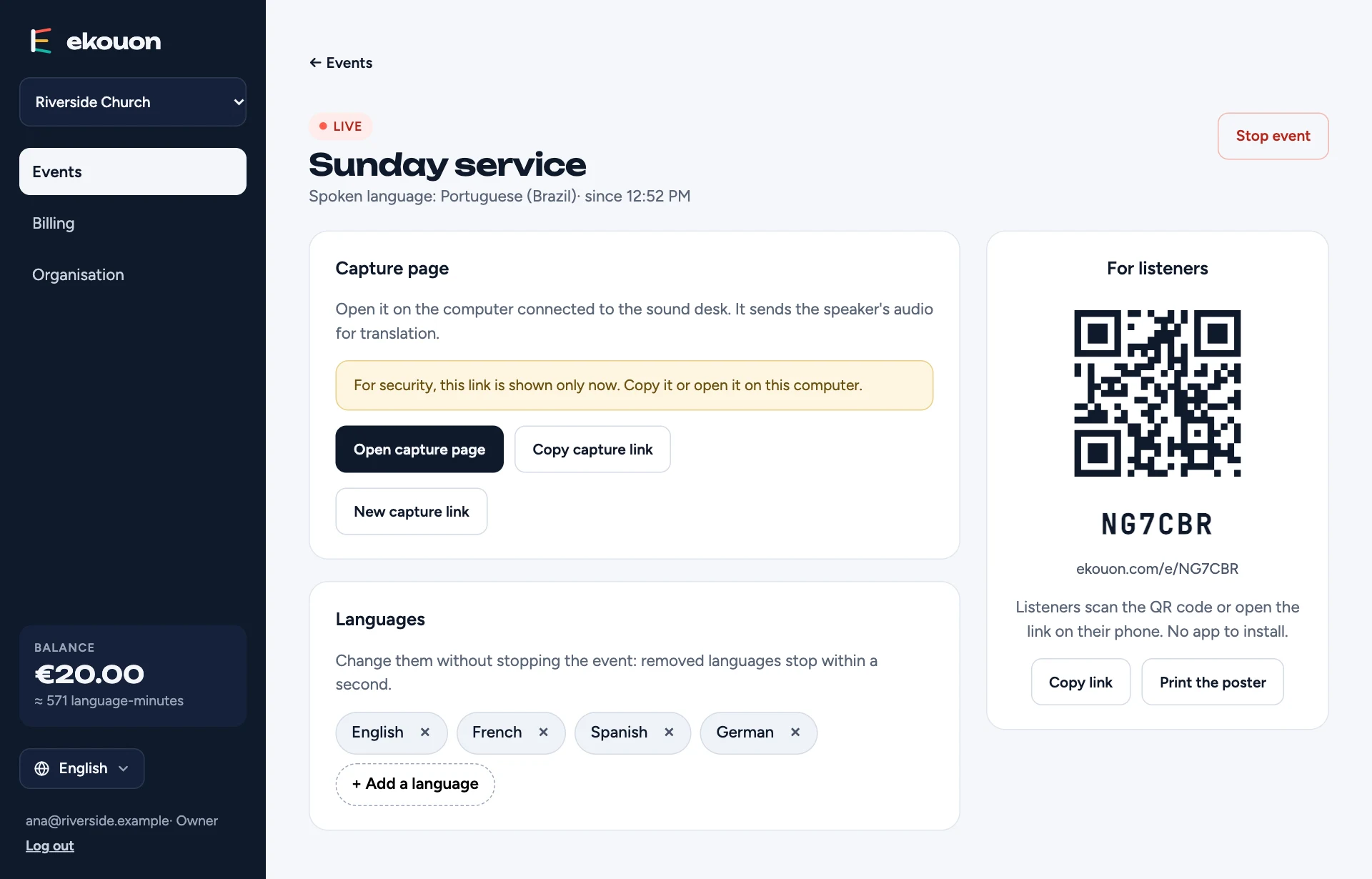
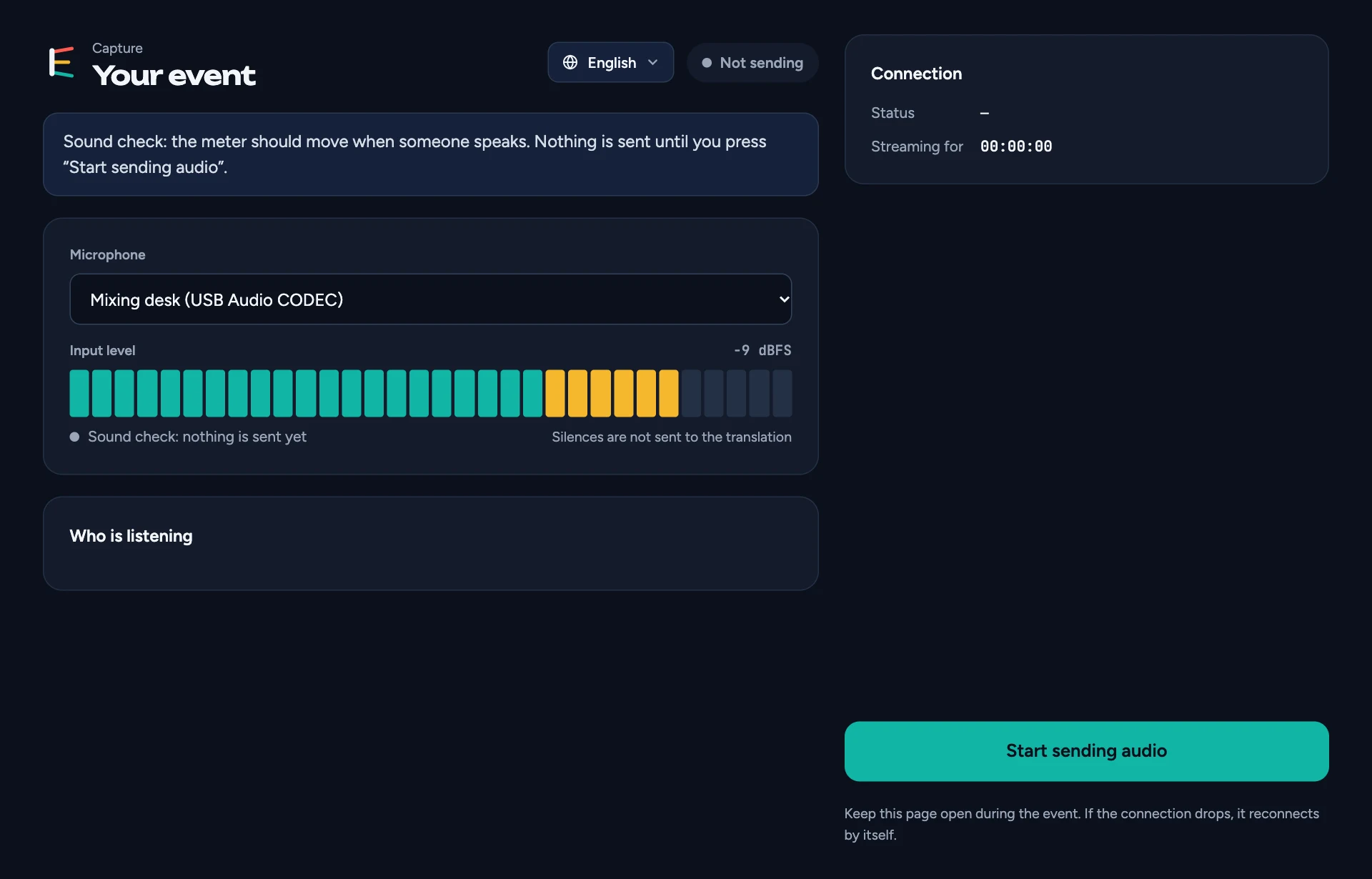
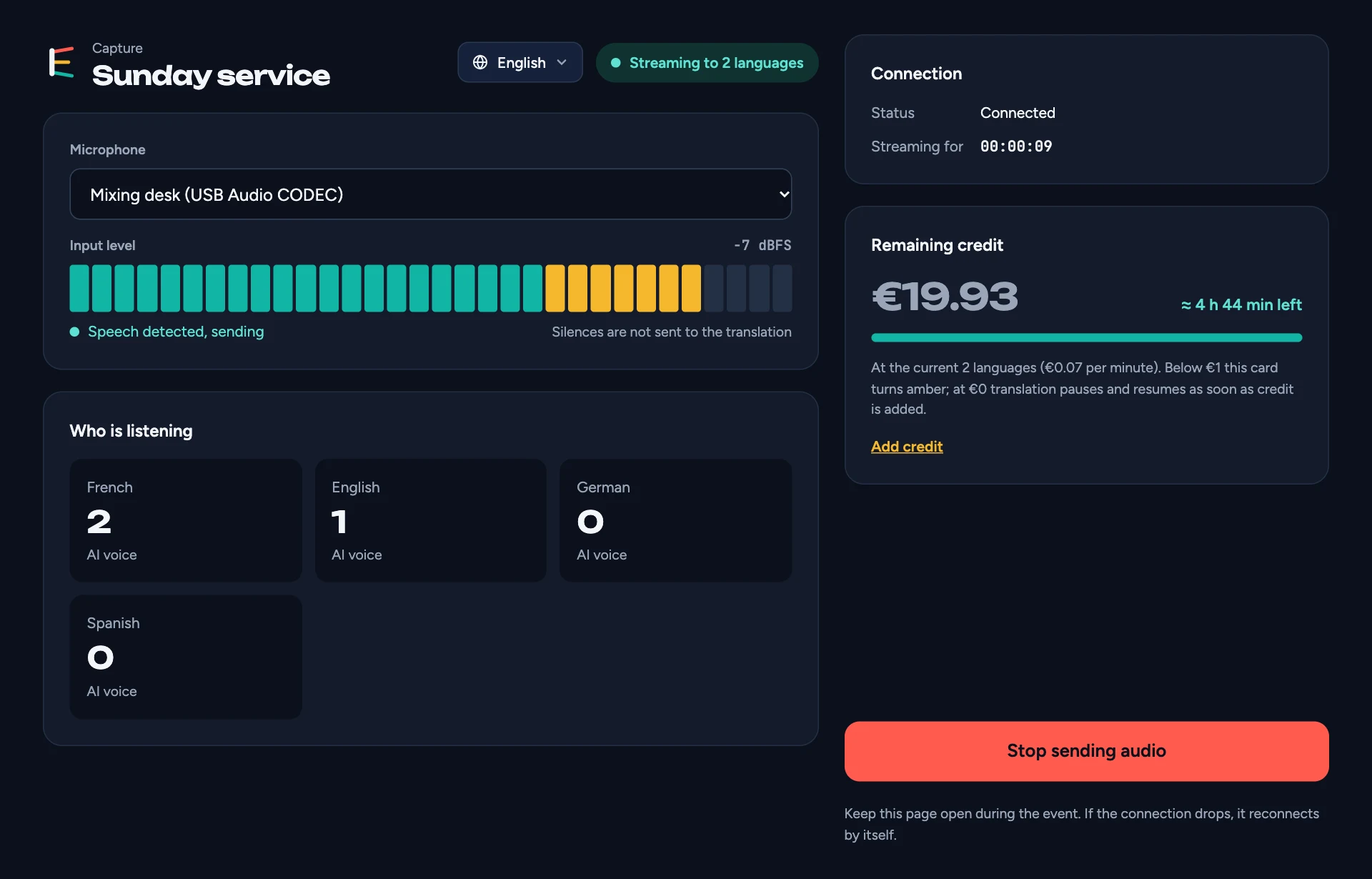
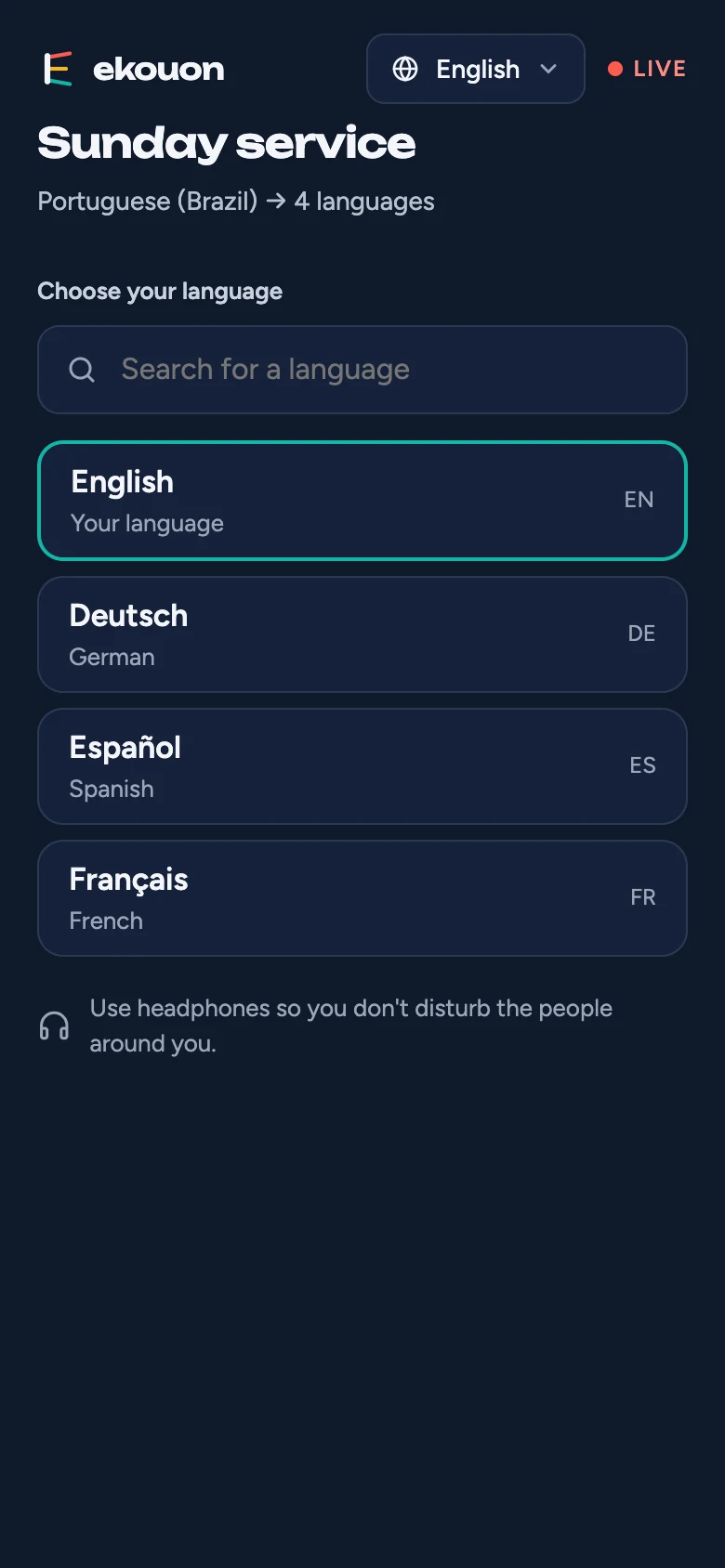
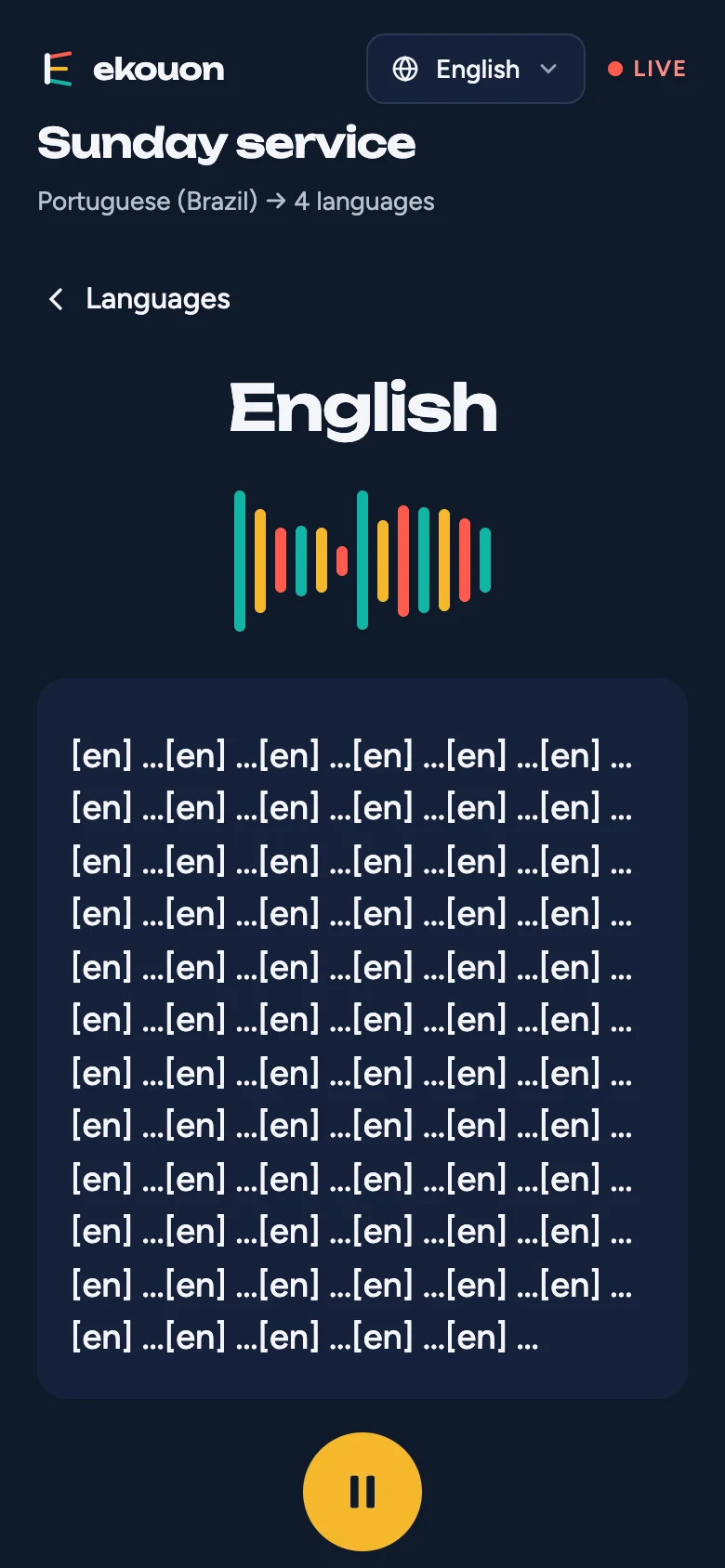
Start with the step-by-step guide below: from creating your event to the audience listening on their phones. Questions and answers and the current limitations follow.
Questions and answers
What do listeners need?
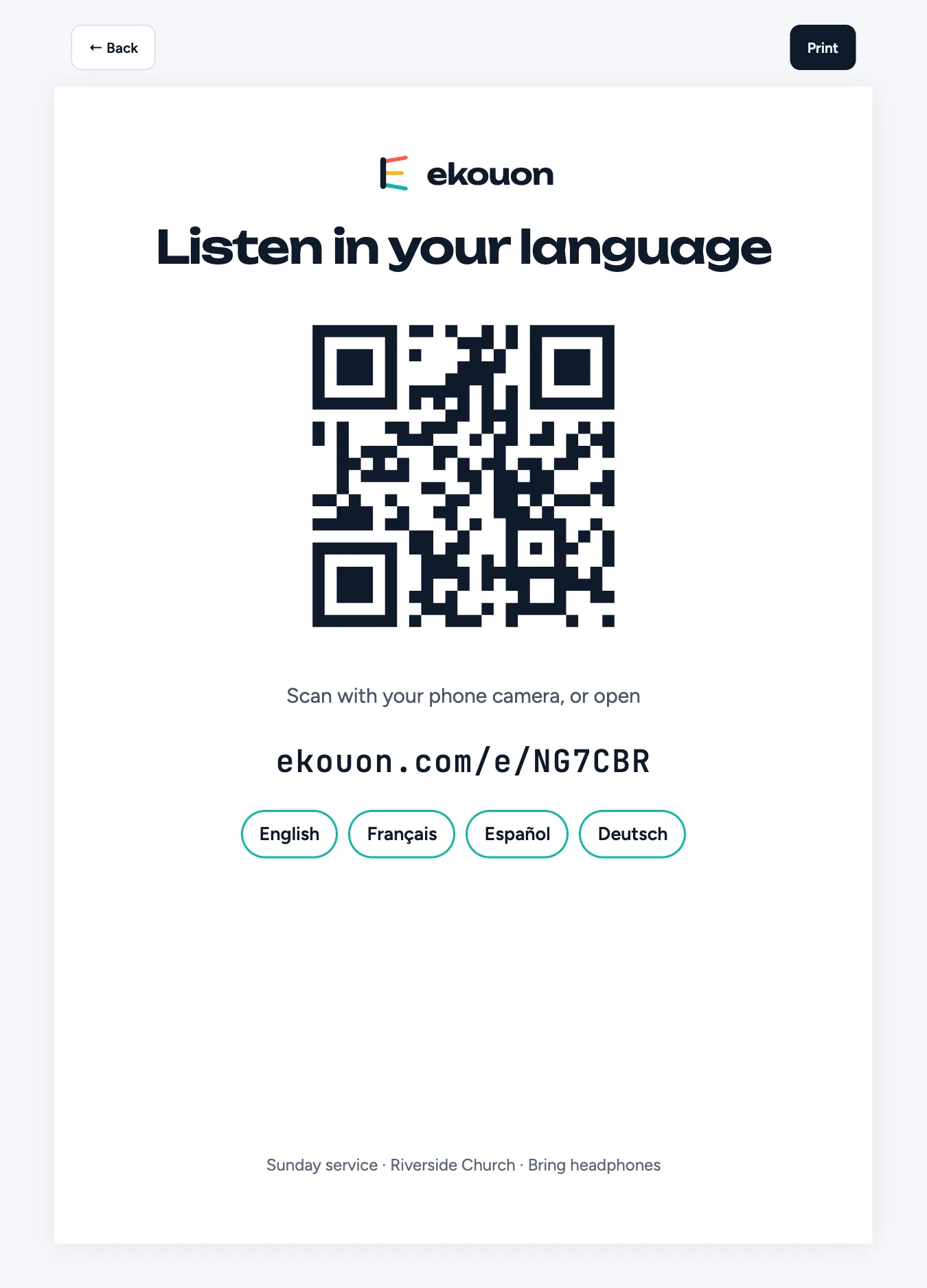
A phone with internet (the venue's Wi-Fi or mobile data) and headphones. They scan the QR code or type the short link: nothing to install, no account.
Which languages are available?
43 languages, from Arabic to Vietnamese, including right-to-left languages. Each event can offer up to 20 languages; contact us if you need more.
How much does it cost?
€2.10 per hour per language, excluding VAT, bought in packs of minutes (1 minute = 1 language for 1 minute). Each language is counted only while at least one person is listening to it and the capture page is sending the speaker's audio, plus up to a minute after either stops. A language nobody picks costs nothing, and neither does an audience that arrives before you press Start sending audio. The sound check before Start is free. See Pricing.
Do human interpreters cost anything?
Three listeners at a time are free, to test. For regular services, a monthly subscription covers every day of the month, from €12 a month for 15 listeners; add AI hours for when an interpreter is away, at €1.68 an hour. For a single event, book an interpreter day pass on the Billing page: you choose the date and how many people may listen to your interpreters at the same time (from €5 a day for 25 listeners). Unlimited interpreter channels that day; upgrade any time for the difference; change the date up to 48 hours before. Above the pass, new listeners are offered the AI voice instead. See Pricing.
How do minutes work?
You buy minutes in advance on the Billing page, in packs from 2 to 475 hours (VAT added at checkout), and they're used as you go: 1 minute per language per minute. Two languages for an hour use 120 minutes. The minutes left are shown on the Billing page and on the capture page, and they don't expire. Your invoice with VAT is emailed after payment.
What happens if the minutes run out during an event?
When about 30 minutes are left, the card on the capture page turns amber. At 0 translation pauses and listeners see a message; it resumes by itself as soon as minutes are added. Nothing is charged while paused.
Is there a free trial?
Yes. Once your email is confirmed, request it from the Events page. We review requests by hand, usually within a day, and add free credit when it's approved. You can prepare your events in the meantime.
How long is the delay?
A few seconds behind the speaker. Listeners who fall behind (a weak connection, a paused phone) are brought back close to live automatically.
What equipment do I need at the venue?
A computer with Chrome or Edge, connected to the internet (a cable is best) and to the sound desk. A USB audio interface, or the desk's USB output, gives the cleanest sound. Plug the computer into power and stop it from going to sleep during the event.
The capture page doesn't start. What should I check?
Click Allow microphone, then Allow when the browser asks. If you refused by mistake, allow it again in the browser's site settings (the icon next to the address), then reload the page. If the meter doesn't move, click anywhere on the page, check the input chosen in Microphone, and that the sound desk sends signal to the computer. After Start sending audio, if the page says it can't reach the event, the event may not be started, or the link may have been replaced by a newer one.
I lost the capture link. What now?
On the event page, click New capture link and open it on the venue computer. The previous link stops working.
Can I change languages during the event?
Yes, on the event page, without stopping. Removed languages stop within a second, and their listeners are asked to choose another one.
What if I forget to stop the event?
An event with no audio for 45 minutes (no one speaking into the capture page, and no interpreter) stops automatically, counted from the last sound or, if there was none, from when you started it. Listeners connected alone don't keep it running. After 30 minutes of silence the capture page warns how long is left; speaking again resets the count. A stopped event can be started again from its page. So start the event shortly before it begins, not hours ahead.
Can I use Ekouon in a Zoom meeting?
Yes, with the Ekouon app for Zoom: you hear the meeting translated in a panel inside Zoom, paid from your credit. See Ekouon for Zoom for how to add, use and remove it.
Is the event recorded?
No. The speech is translated live and not stored by Ekouon.
How do I change the website's language?
Use the language menu at the top of the page. Your choice is remembered on that device.
Can I rename my organisation?
Yes, owners and admins can change it on the Organisation page.
I have another question.
Write to us at hello@ekouon.com. The terms of service cover credit, payments and refunds; the privacy policy covers your data.